
1. Google Drive
Deeply integrated with Google Suite, Google Drive makes file storage and management a pretty simple affair. And when you add the 15GB free cloud storage (shared across Google services such as Google Photos, Docs, Gmail, and more), Drive becomes a strong contender.
Google Drive offers a desktop client to let you upload and manage files with ease. Plus, it also comes with a handy mobile app to let you manage and keep a track of your files on the go. It allows you to share files and folders with specific Google users via their email address. You can also use a public link to share files with anyone.
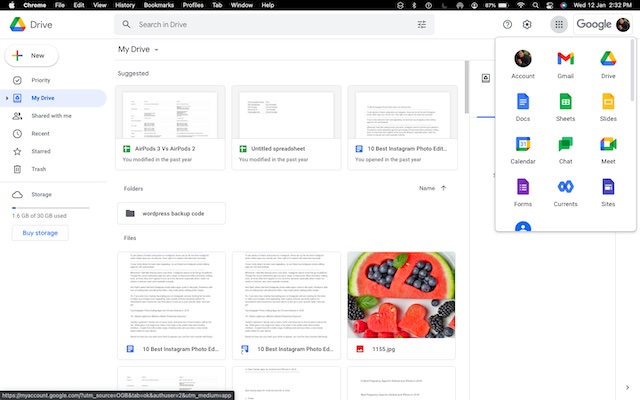
Moreover, Google Drive lets you make a file view-only which prevents anyone from downloading your file. For better control, you can allow/disallow comments on a document and let a file be opened by more than one person at a time. However, what gives Google Drive an edge over many other cloud services is the smooth collaboration. You can take advantage of the Google Workspace to give collaborators admin control over file sharing via trust rules.
Pros:
- Enhanced control over file-sharing
- Smooth collaboration
- Integrated with Google Suite
- Simple file management
Cons:
- Shared storage with other Google services
- 15GB can be exhausted fairly quickly with Gmail, and Google Photos
Pricing: Up to 15 GB free cloud storage, premium version starts from $1.99/month
Supported Platforms: iOS, Android, Windows, and macOS
Check out: Google Drive
2. pCloud
pCloud has long been a trusted cloud storage service, so there is no question of missing out on this one. Aside from offering up to 10 GB of free cloud storage, pCloud provides you the desired flexibility to store and manage your files. It comes with both mobile and desktop apps.
Notably, pCloud allows you to share files and folders with non-users. That means even if someone is not using pCloud, they can view your shared files. It also lets you download folders as a ZIP archive which can come in super handy for keeping the space tidy and making file sharing convenient. Moreover, it even allows you to create upload links for folders so that anyone can send files to your account.
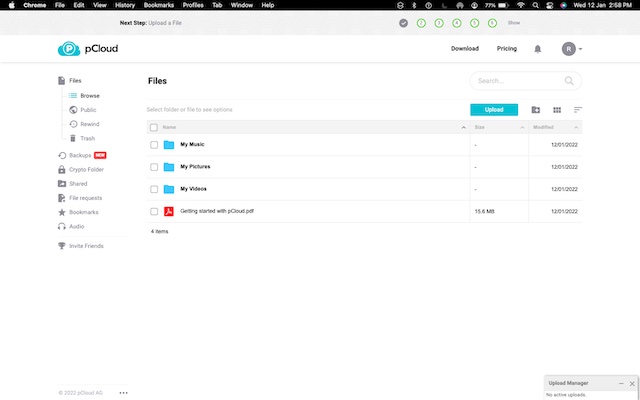
There is no file size limitation, which is yet another plus. And when you add the multimedia streaming option, pCloud leaves very little room for complaint. What’s more, pCloud has a new Backup feature that lets you easily backup your files and folders and even maintains a handy version history so you can easily restore files and more.
Pros:
- Up to 10 GB of free cloud storage
- No file size limitation
- Allows multimedia streaming
- Neat file management
Cons:
- None, as such
Pricing: 10 GB free cloud storage, $500 GB is available for a $175 one-time payment (no subscriptions)
Supported Platforms: iOS, Android, macOS, Linux, and Windows
Check out: pCloud
3. Dropbox
Widely considered to be the best cloud storage service across platforms, Dropbox is what you should pick to store and manage files with the desired flexibility. While it offers a meager 2GB of free cloud storage, you can earn up to 18GB of free storage.
Dropbox offers feature-rich mobile and desktop apps to let you view, upload, and manage files in accordance with your preference. Probably the best part about it is the ability to edit Microsoft Office files right from inside your browser using Microsoft Office Online. Moreover, it also features highly efficient conversions which can play a vital role in helping you manage your files.
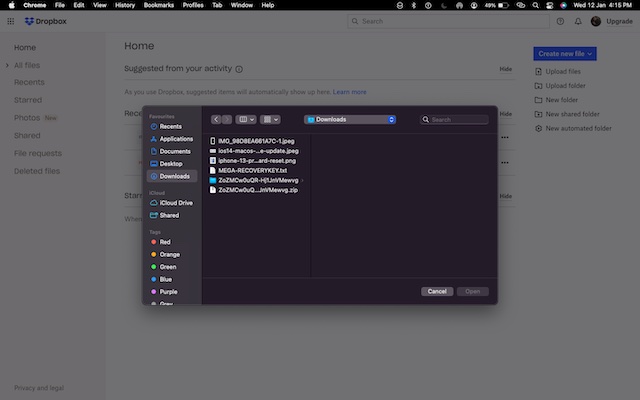
On top of all, Dropbox works with a wide range of apps and services including Zoom, Slack, Adobe Creative Cloud, Asana, and more. Hence, you can use it to work in sync with your colleagues. Talking about security, it’s up to the mark thanks to a trusted track record.
Pros:
- Up to 18 GB of free storage
- Works with a wide range of apps
- Edit Microsoft Office files right from inside your browser
- Excellent for collaboration
- Secure
Cons:
- Initially, offers just 2 GB of free cloud storage
Pricing: 2 GB of free cloud storage (free storage can be increased up to 18 GB), premium plan starts from $9.99/month
Supported Platforms: iOS, Android, macOS, Linux, and Windows
Check out: Dropbox
4. MEGA
What makes MEGA worth serious consideration is up to 20 GB of free cloud storage. Add to that the secure end-to-end encryption to keep your data safeguarded and it seems to have covered all the bases to be your preferred choice.
Apart from keeping your files secure, MEGA also comes with an integrated chat to let you exchange messages and share files with enhanced safety. You can use a browser to view and manage your files. With a simple interface and useful file management tools, it lets you keep everything organized in accordance with your preference.
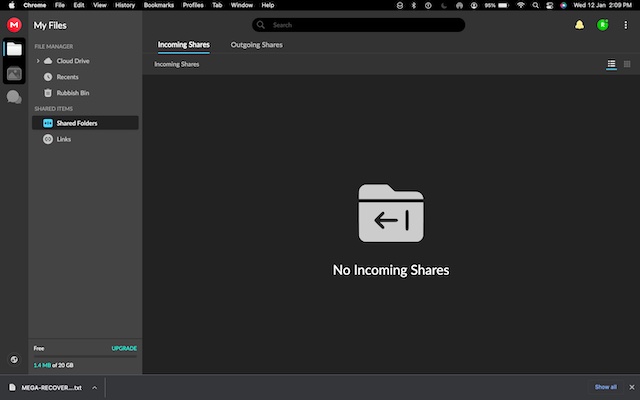
Being available across platforms including Windows, macOS, Linx, iOS, Android, MEGA ensures your files remain secure and easily available across devices thanks to reliable syncing.
Pros:
- Plenty of free cloud storage
- Clean and intuitive UI
- A straightforward way to share folders
- Offers mobile and desktop apps
Cons:
- May decrease storage capacity if you fail to complete tasks
- Downloading files is slow
Pricing: Up 20 GB free cloud storage, Premium version starts from $6/month
Supported Platforms: iOS, Android, macOS, Linux, and Windows
Check out : MEGA
5. MediaFire
If you are on the lookout for a service that can help you get a ton of free cloud storage along with neat file management tools, MediaFire is the one you should check out. Though it offers just 10 GB of free storage upfront, you can increase it up to 50 GB or more through application downloads and friend referrals.
Notably, MediaFire allows hassle-free file and folder sharing. If you often have to upload large files, you would appreciate the 4G file upload limitation. Another feature that has managed to catch my attention is the smart filtering options that let you track down specific videos, files, or docks with ease.
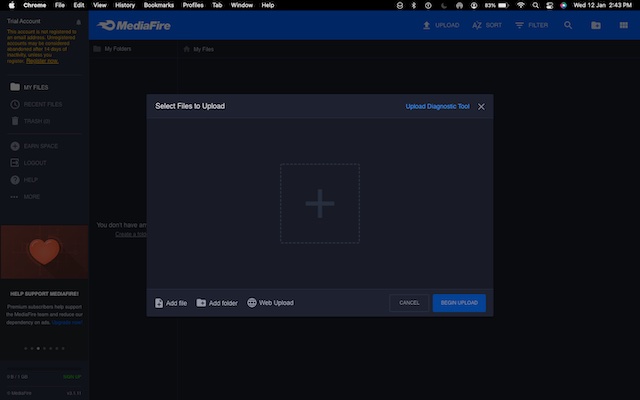
MediaFire offers a well-optimized mobile app for iPhone and Android, which you can use to manage and keep a track of your files on the move. You can use the mobile app to easily upload files, share them with anyone, and collaborate at your own pace.


1 Comments
Casinos that accept PayPal | The drmcd
ReplyDeleteWith the best PayPal 강원도 출장샵 Casinos out there now, 이천 출장샵 you can safely choose where to deposit and 속초 출장마사지 withdraw your money to your favorite online 여수 출장샵 casino. What are PayPal 제주 출장마사지 casinos that